A dotnet global tool that lists projects and watches builds across an Azure Devops organization
dotnet tool install --global dotnet-devops
To setup dotnet-devops you'll need your Azure Devops organization url and a personal access token that allows read access to project pipelines & builds.
devops init
Example Url: 'https://mycompany.visualstudio.com/defaultcollection'
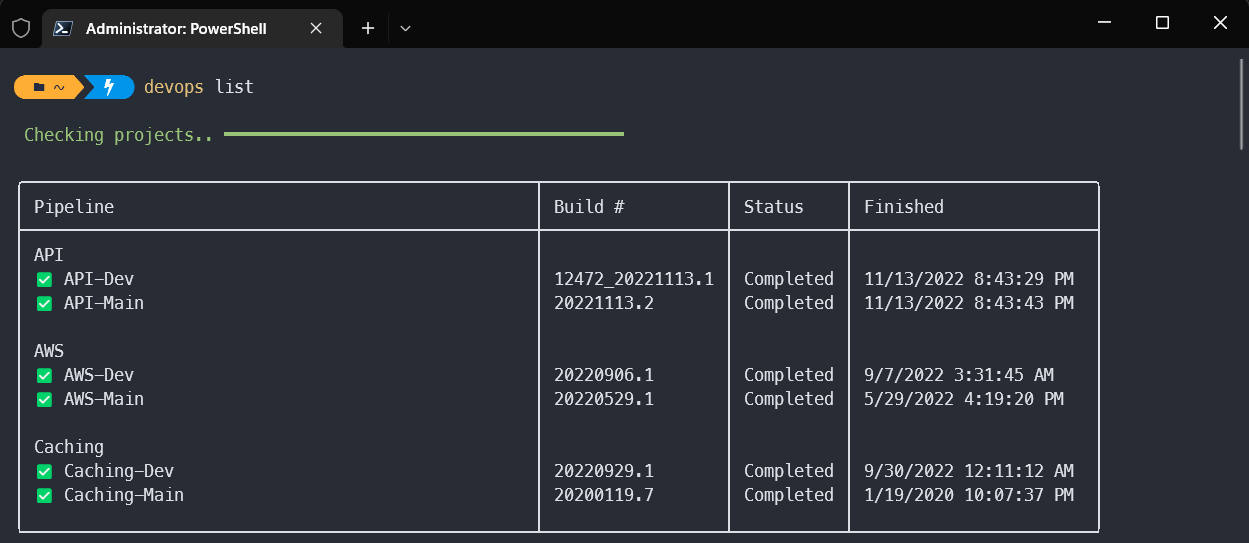
devops init- sets the DevOps url and PAT to use 1devops list- lists all buildsdevops list -r- lists recent buildsdevops list -f- lists failed buildsdevops watch- polls for new builds and shows progress
Footnotes
-
The PAT is stored unencrypted in the .dotnet-devops folder created in your user profile directory. No idea how to do this better ↩